Tasks
This is where the real work happens. Tasks are the individual steps within your flow — each one performs a discrete action. Tasks are incredibly versatile: they can send HTTP requests, run code in various languages, query databases, transform data, send notifications, and much more.
Tasks can process inputs and variables, then produce outputs that can be consumed by downstream tasks (and even other flows!). This creates a powerful data pipeline where information flows from one task to the next.
Think of tasks as the building blocks of your automation. Want to:
Fetch data from an API? There's a task for that.
Run a Python or SQL script? That's a task.
Send a Slack notification when something completes? Also a task.
By chaining tasks together, you can build sophisticated workflows.
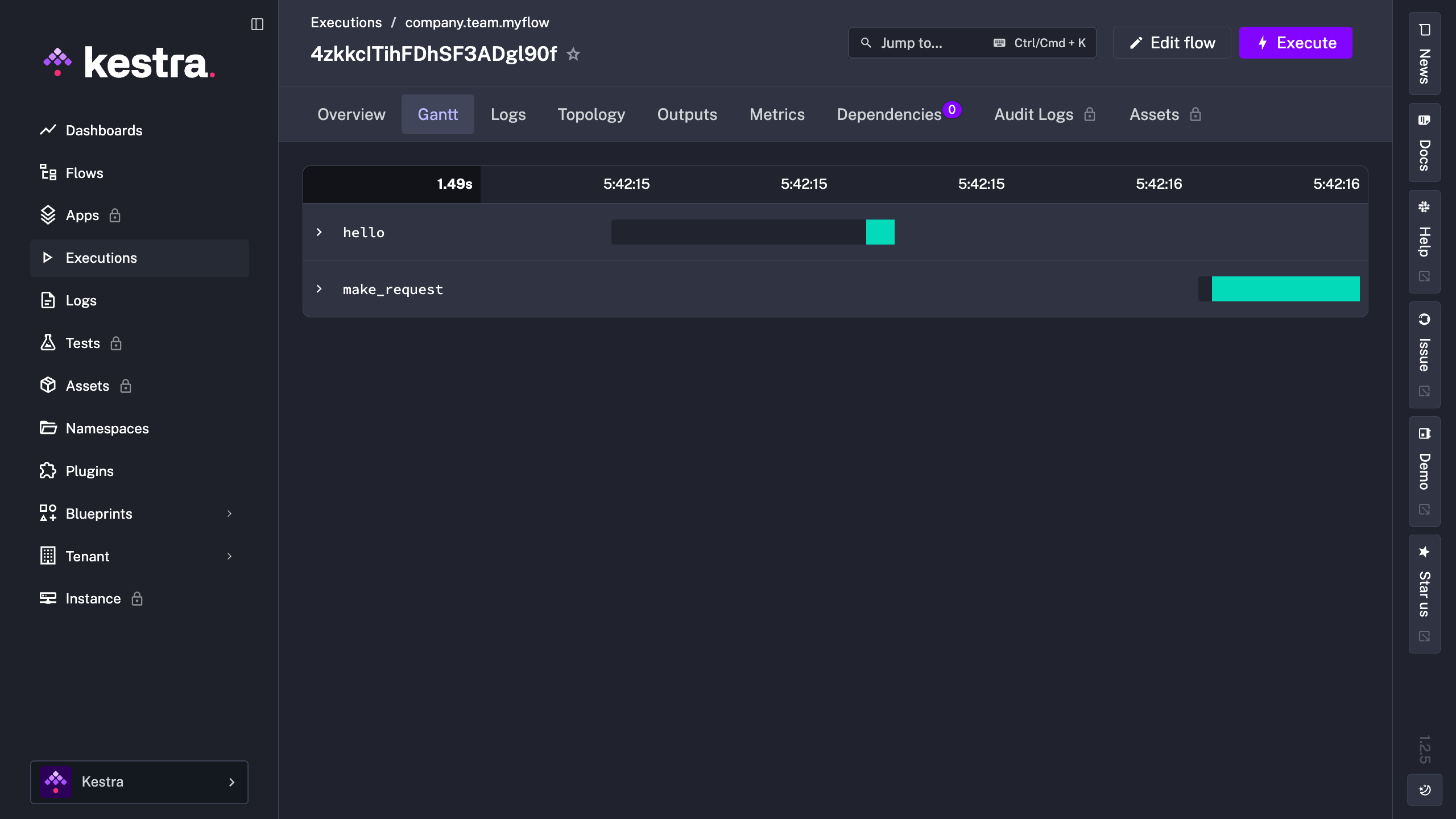
In the example below, we’ve now got 2 tasks. Our original log task with our “Hello World! 🚀” message, and a new HTTP Request task that makes a GET request to kestra.io.
id: myflow
namespace: company.team

tasks:
  - id: hello
    type: io.kestra.plugin.core.log.Log
    message: Hello World! 🚀

  - id: make_request
    type: io.kestra.plugin.core.http.Request
    uri: "https://kestra.io"
When we execute this flow, we can see how long each task took to run with the interactive Gantt view:
Types of Tasks
Tasks in Kestra fall into two categories:
Runnable tasks perform the actual work — these are the examples we just discussed. They fetch data, run scripts, send messages, and handle all the heavy computation. The vast majority of tasks you'll use are runnable tasks.
Flowable tasks are different. Instead of doing computational work, they control how your workflow executes. They handle orchestration logic like conditional branching, loops, and parallel execution. We'll explore Flowable tasks in detail later, but for now, know that they enable advanced workflow patterns beyond simple sequential steps.
Task Properties
Every task requires two core properties:
id— a unique identifier for the task within your flowtype— the specific task type (e.g.,io.kestra.plugin.core.log.Log)
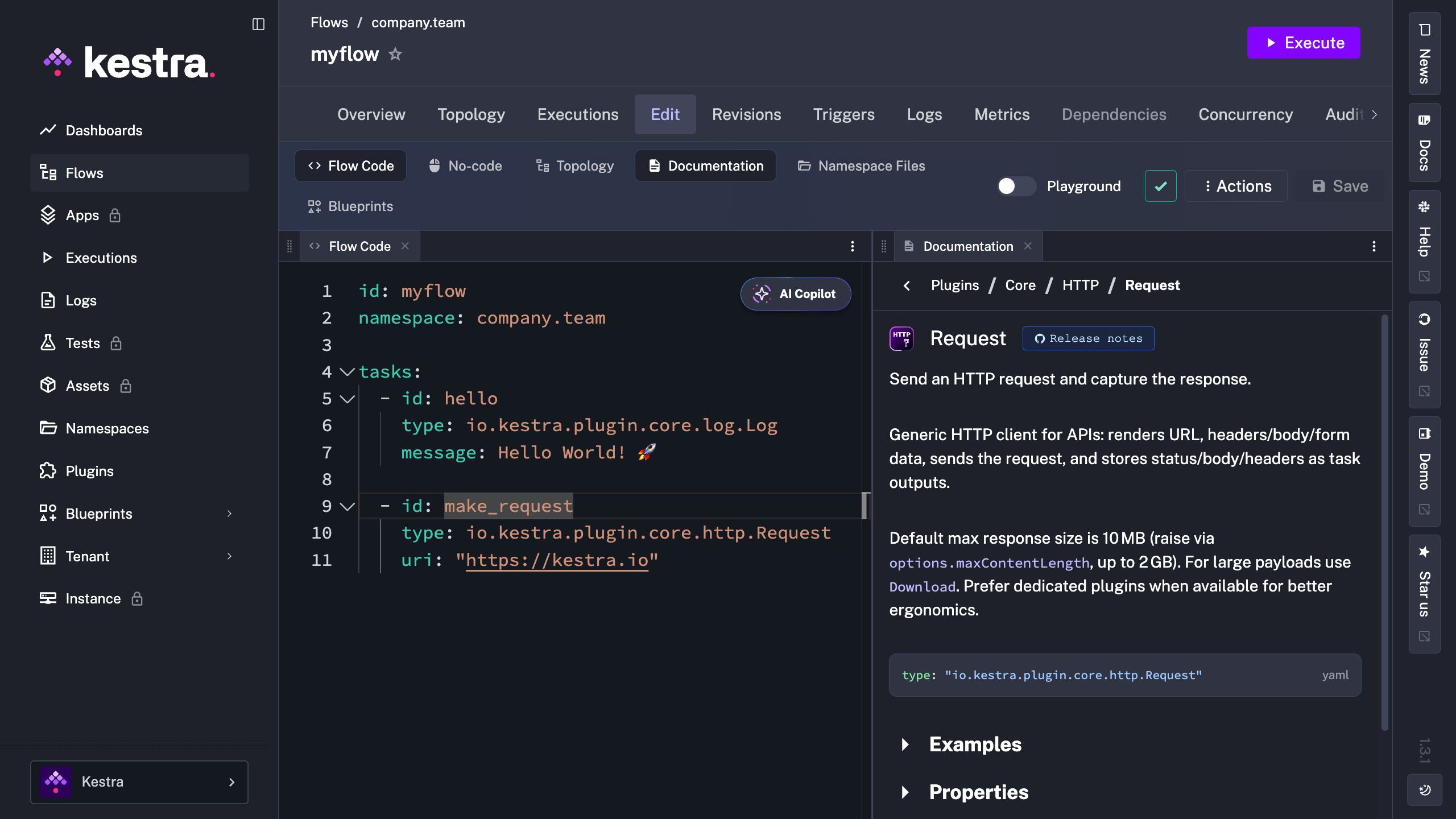
Beyond these, each task type has its own specific properties. Some are required (like message for a Log task or uri for an HTTP Request task), while others are optional to customize the task's behavior. You can view the documentation for any task right in the editor: select the task and open the Documentation tab to see specific examples and properties for that task.
Now that we understand tasks, let's make them more dynamic. What if you want to run the same workflow with different values each time? That's where Inputs come in.