Secrets
As you build real-world workflows, you'll inevitably need to connect to external services — databases, APIs, cloud platforms, and more. These connections require authentication: passwords, API keys, tokens, and other credentials. But hard-coding these sensitive values directly into your flows is a bad idea. They appear in revisions, logs, and more, creating a serious security risk.
Secrets solve this problem. They let you store sensitive credentials securely outside your flow code, then reference them when needed. This keeps your credentials safe while still allowing your workflows to authenticate with external services.
How Secrets Work
Secrets in Kestra are managed as base64-encoded environment variables that begin with the prefix SECRET_. When you define a secret, Kestra makes it available to your flows through expressions.
For example, if you have an API key you want to use as a secret, you first need to encode it:
echo -n "my_secret" | base64Then define it as an environment variable with the SECRET_ prefix:
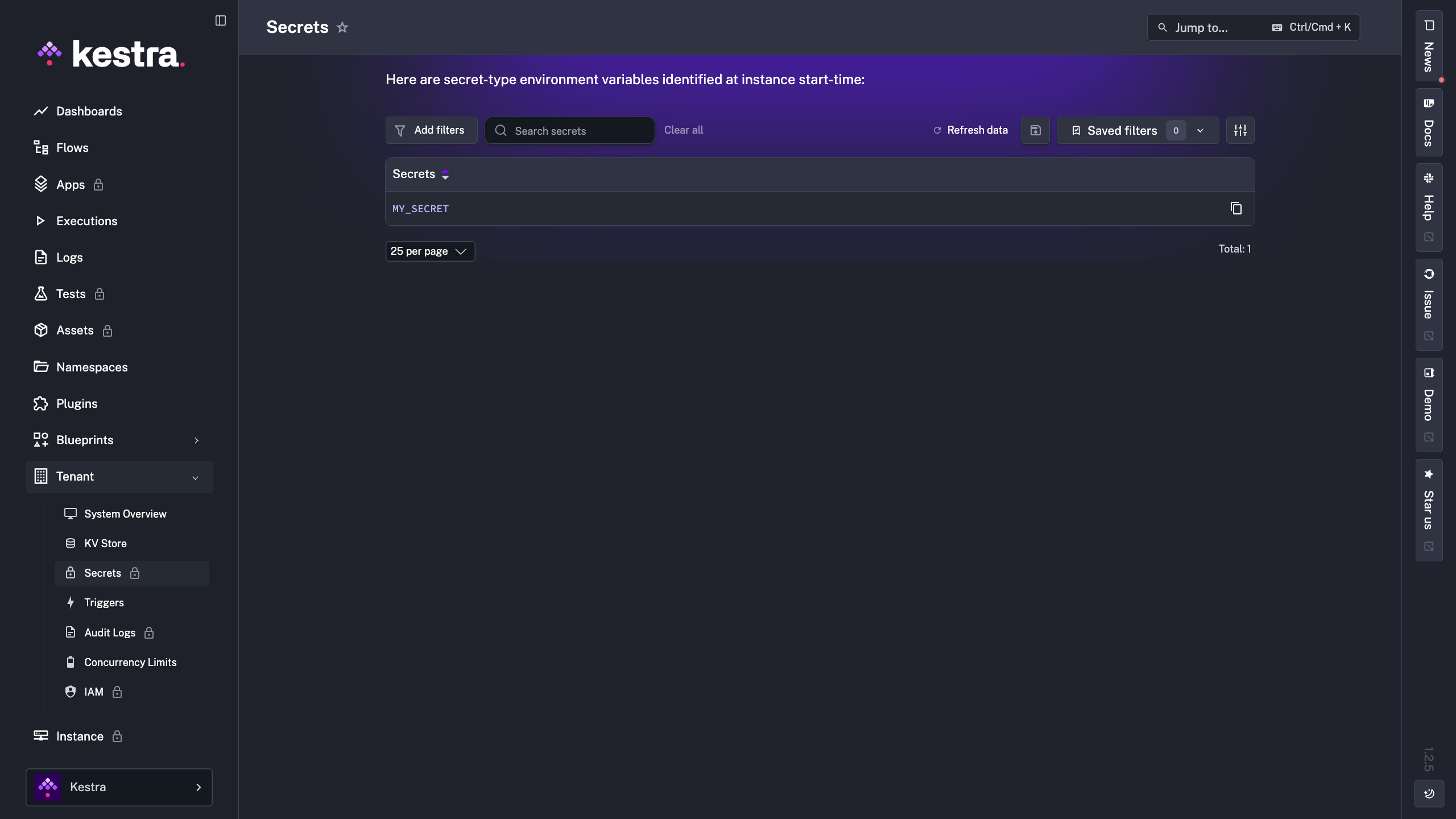
SECRET_API_KEY=your_base64_encoded_valueAfter restarting Kestra to load the new environment variables, you can verify your secrets are available in the UI:
Accessing Secrets in Flows
Once a secret is defined, you access it in your flows using the secret() function within an expression:
id: myflow
namespace: company.team

tasks:
  - id: call_api
    type: io.kestra.plugin.core.http.Request
    uri: https://api.example.com/data
    headers:
      Authorization: "Bearer {{ secret('MY_SECRET') }}"
The secret() function retrieves the value at runtime and masks it, so it never appears in your flow code, logs, or execution outputs. This keeps your credentials secure even when sharing flows or debugging executions.