Execution
Throughout this course, we've been executing flows to see our concepts in action. But now that you understand how to build flows with tasks, inputs, outputs, triggers, expressions, and flowable tasks, it's worth taking a moment to understand what's actually happening behind the scenes when your flows run.
An Execution is a single run of your flow — your workflow in action, performing the steps you've defined. Every time you click Execute or a trigger fires, Kestra creates a new execution. Think of it like pressing play on your workflow: the execution is the recording of everything that happened during that run.
Executions are made up of task runs — each task in your flow gets its own task run within the execution. This granular tracking means you can see exactly how each individual task performed: how long it took, what outputs it produced, whether it succeeded or failed.
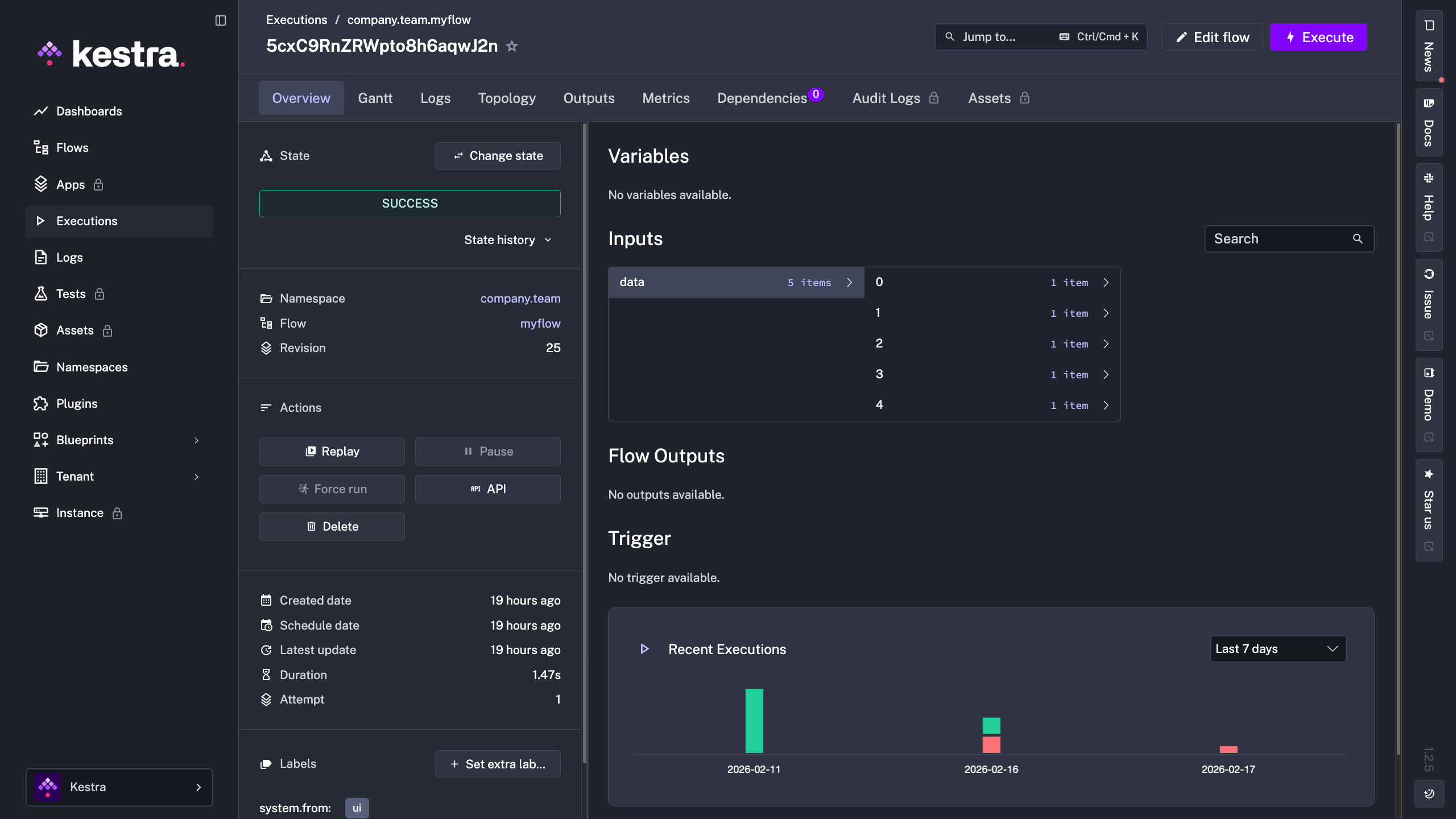
Execution States
Every execution moves through different states as it progresses. The key states you'll see are:
Created — the execution has been created but hasn't started yet
Running — tasks are currently executing
Success — all tasks completed successfully
Failed — one or more tasks failed
There are additional states for more complex scenarios. Check out the execution states documentation for the complete list.
What Executions Track
Executions give you rich insight into your workflow runs. For each execution, you can view:
Multiple visualization views — like the Gantt chart showing task timing, or the Topology view showing task relationships
Outputs — all the data produced by your tasks and flow
Metrics — performance data about your execution
Logs — detailed information about what happened during the run
Replaying Executions
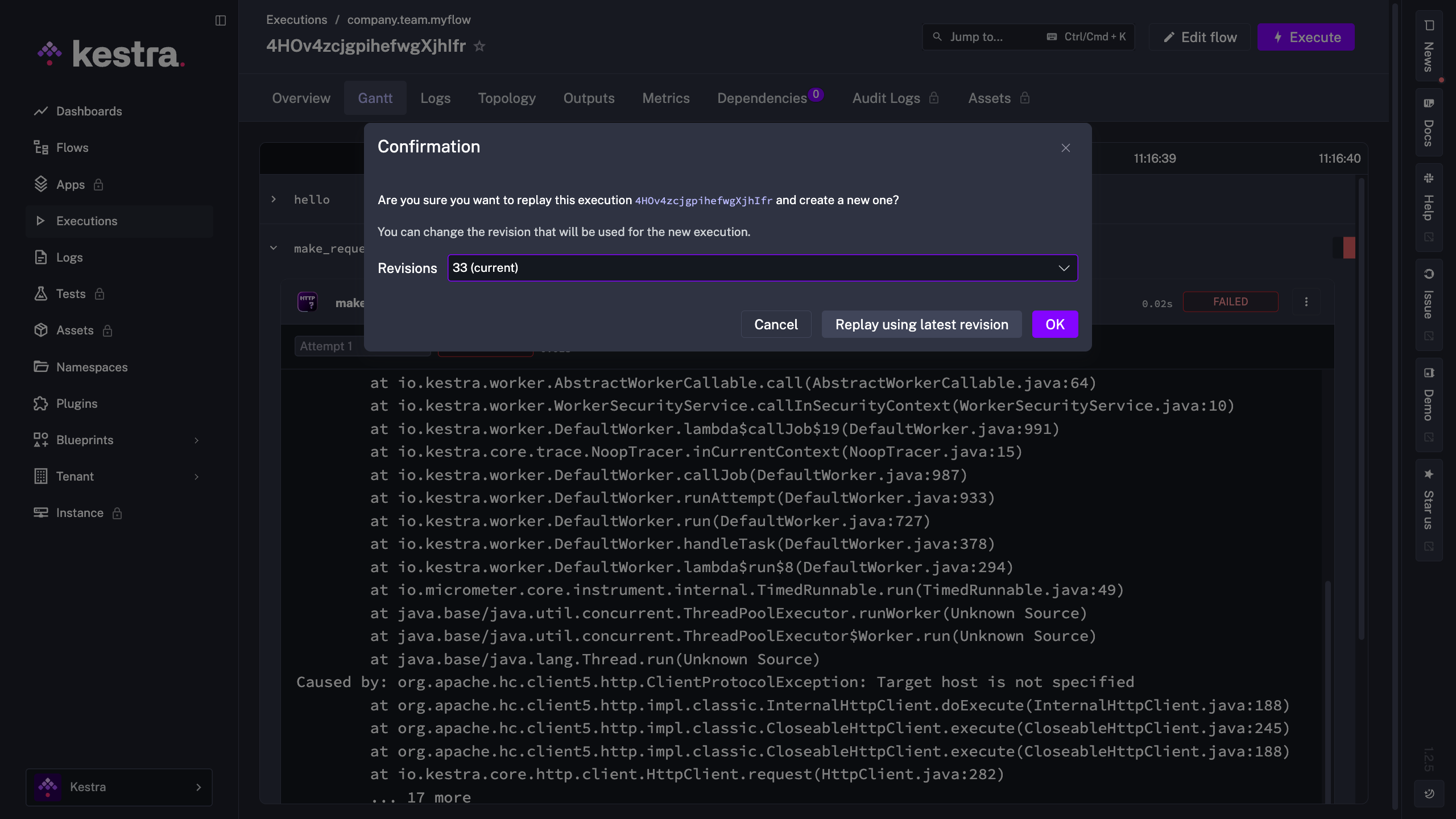
Every time you save your flow code, Kestra creates a new Revision — a snapshot of that version of your flow. This gives you a complete version history, making it easy to roll back to an older version if needed.
Revisions become especially powerful when combined with Replay. If a taskrun inside of an execution fails due to a bug in your flow logic, you can fix the code (creating a new revision), then replay just the failed task run using the updated revision. You don't need to rerun the entire execution from the start — Replay lets you target specific task runs that failed, rerunning only those tasks with the corrected logic while keeping everything else from the original execution. You can also replay entire executions if needed, but the ability to replay individual task runs is particularly powerful for debugging without losing the context of what went wrong.
For a deeper dive into executions and all their capabilities, check out the executions documentation.