Plugins
Throughout this course, we've been building workflows using tasks like Log and HTTP Request. These are core tasks — built-in functionality that comes with Kestra. But core tasks only scratch the surface of what's possible.
Plugins are what unlock Kestra's full potential. They let your workflows connect to the tools you already use every day — databases, cloud platforms, APIs, and chat tools — without building and maintaining custom integrations from scratch. Need to query a PostgreSQL database? There's a plugin for that. Want to run a Python script? That's a plugin. Need to send a Slack notification when a workflow completes? Also a plugin.
In fact, plugins power every task and trigger in Kestra — even those core tasks we've been using. They wrap external systems, expose orchestration primitives, and let you extend the platform with custom functionality. Think of them as the "integrations" or "drivers" that enable your flows to interact with the outside world.
What Plugins Enable
The plugin ecosystem is vast and constantly growing. With over 1,200 plugins available, you can:
Write code in any language — Python, Shell, Go and more. Run scripts directly in your workflows without managing separate infrastructure.
Work with cloud platforms — AWS, Azure, Google Cloud, and others. Manage resources, trigger services, and automate workflows in the cloud.
Interact with databases — PostgreSQL, MySQL, MongoDB, BigQuery, Snowflake, DuckDB, and dozens more. Query, transform, and move data between systems.
Send notifications — Keep your team informed through Slack, Email, PagerDuty, Microsoft Teams, and other channels.
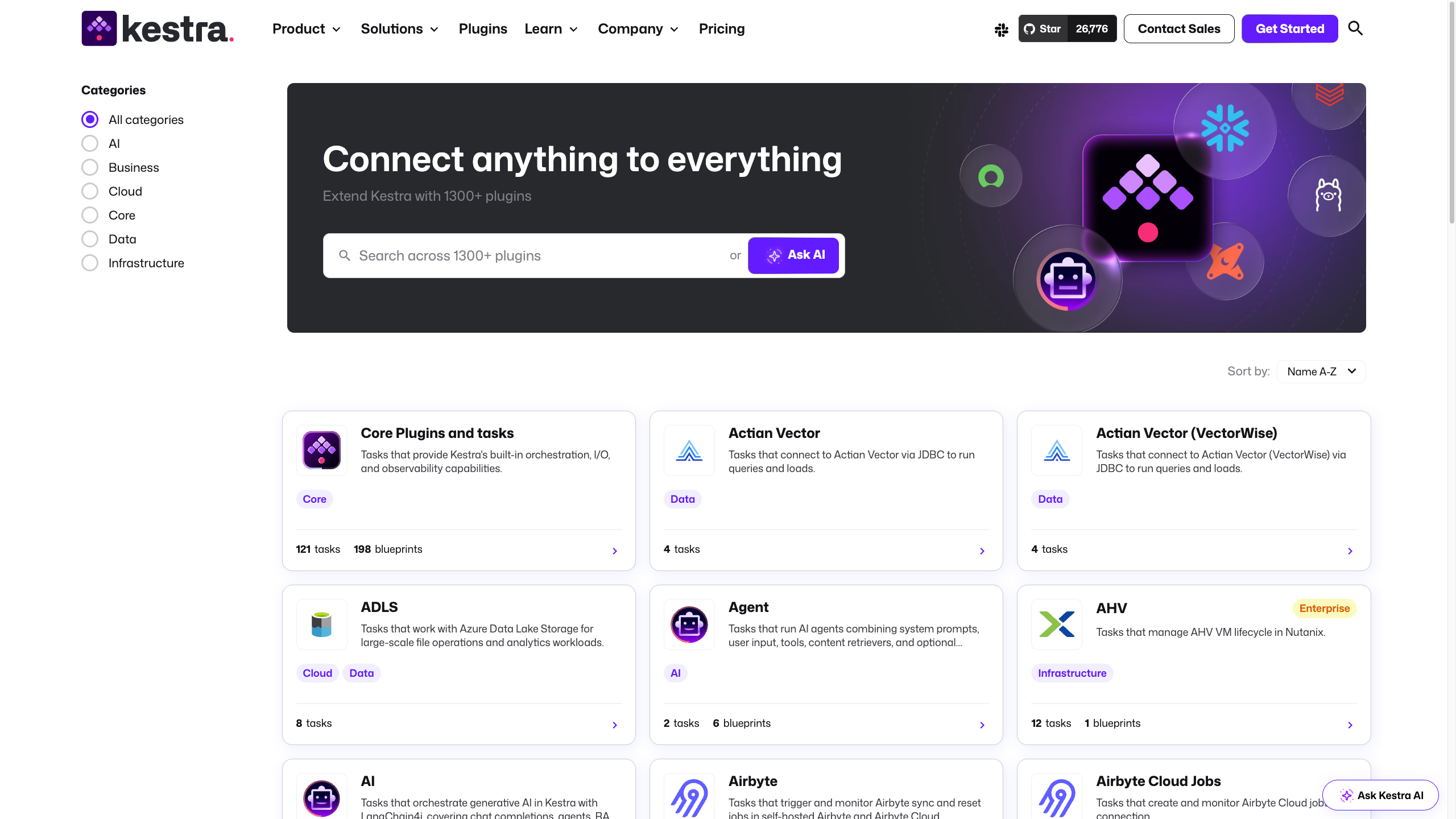
And this just begins to cover what's available. Browse the plugin catalog to explore the full ecosystem.
How Plugins Work
When you use a task type like io.kestra.plugin.core.http.Request, you're using the HTTP Request plugin. When you add a schedule trigger, you're using the Schedule plugin. Plugins are already part of your workflows — you've been using them all along without needing to think about installation or configuration.
Most plugins are automatically available in Kestra. And if you need something specialized, you can install additional plugins — or even build and install your own custom plugin. Once installed, it works just like any other task or trigger. If you’re interested to learn more, check out the Plugin Developer Guide.
Discover Plugins
There are a few easy ways to find the plugin for the tool you want to connect to:
On the website: Browse the plugin catalog and search for the services you use (for example Slack, AWS, PostgreSQL, Snowflake).
In app: Open the Plugins menu to browse and search what’s available in your instance.
In the editor: When adding a task, start filling in the
typefield. Autocomplete will suggest available plugin task types as you type, so you can search by tool name and quickly find the right task.
With hundreds of plugins available, the possibilities are vast — but that can also feel overwhelming. Where do you start? Which plugins work well together? How do you combine them to solve real-world problems? That's where Blueprints come in: ready-made templates that show you exactly how to use plugins for common use cases.